How to Create a Zoom-Friendly Desk Background with Flowers and Lighting
The corner behind your desk is on show dozens of times a week, whether you are presenting to a client or catching up with a colleague. It does not need to look like a magazine shoot. It needs to look like somewhere a calm, organised person works. Flowers and lighting do most of that work, and both are easier to get right than most people expect.
Start with what the camera actually sees
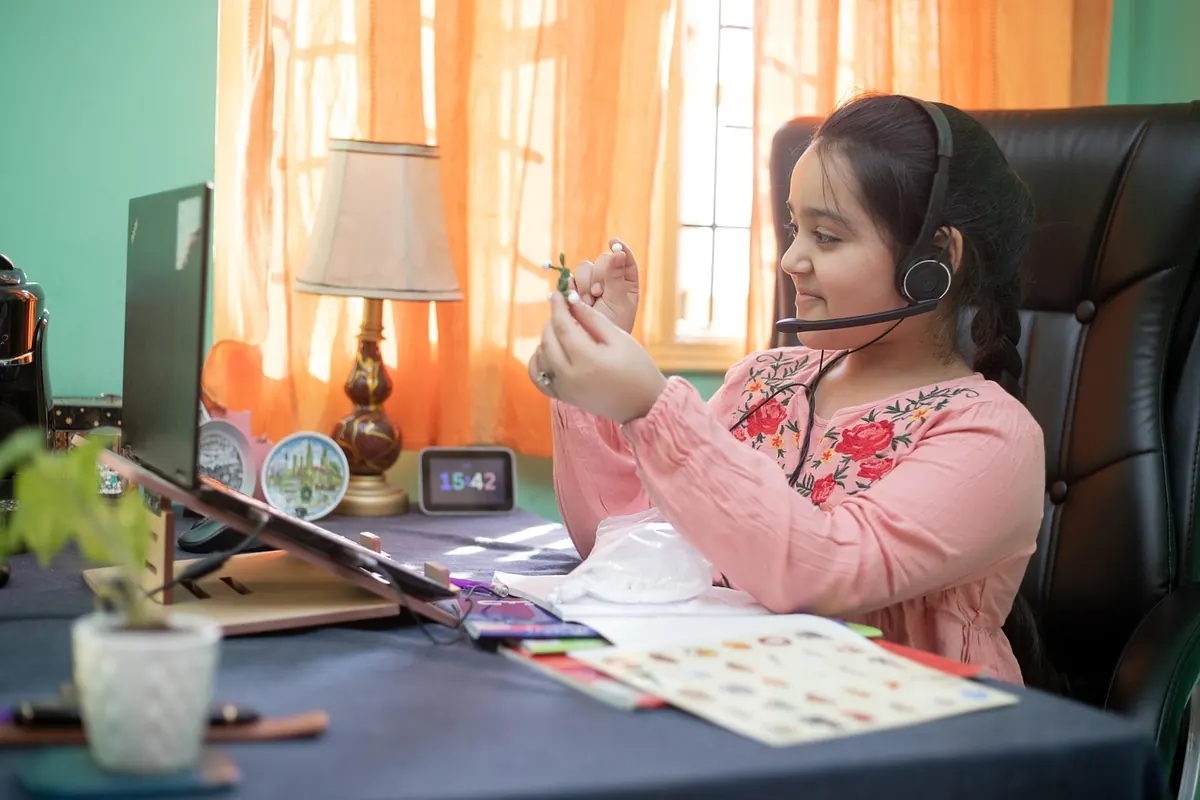
Before you move a single stem, take a photograph of your desk from exactly where your webcam sits. Not an artistic angle — the flat, slightly unflattering view a laptop camera gives you when you are sitting down.
Most webcams capture a narrow band of the room: your head and shoulders, roughly half a metre either side of you, and maybe a metre of wall above your head. That crop is the only thing that matters. A lovely corner of the room outside the frame might as well not exist, and the pile of post behind your left shoulder will be visible on every single call.
Check two things while you are looking. First, is the camera at eye level? A laptop on a stand, or a monitor at the right height, flatters almost everyone. Second, how much empty wall sits above your head? A large expanse of plain magnolia makes the framing feel odd and strangely exposed. Filling some of that upper space with a shelf, a trailing plant or a small framed print is often the single biggest improvement you can make.
Get the light right before you style anything
Flowers look lovely in a photograph taken in good daylight and disappointing under one overhead bulb. Video is no different.
The most flattering setup is simple: sit facing a window rather than with one behind you. Light from the front softens shadows under the eyes and shows the colour of your flowers properly. If the window is behind you, your camera will expose for the bright glass and leave you as a dark shape, no matter how nice the tulips are.
For dark mornings and winter afternoons, two lamps are usually enough. Put a main lamp roughly at eye level, slightly off to one side and just behind your laptop, angled towards you. Add a smaller lamp further back in the room to give the wall some depth and stop the whole scene looking flat. Where you can, keep the lamp itself out of shot; you want its light, not its glare.
Keep your colour temperature consistent
Mixing a warm desk lamp with a cold ceiling light gives skin a half-orange, half-blue cast that no amount of tidying will fix. Pick one family of bulbs and stick with it. Warm-to-neutral is comfortable on camera for most people, and it makes pale flowers look richer.
If you wear glasses, watch for reflections. Move the lamp a little higher or lower, or shift it further to the side, and check the result on screen rather than guessing.
Choose flowers that behave on camera
Colours and shapes
Soft, muted colours hold up best: pale pink, cream, dusty green, soft yellow. Very deep reds and hot pinks can bleed or smudge on cheaper webcams, and pure white against a dark background can blow out into a bright blob. A modest bunch of tulips in a plain glass vase, or two or three stems of eucalyptus, will read better than a huge mixed bouquet.
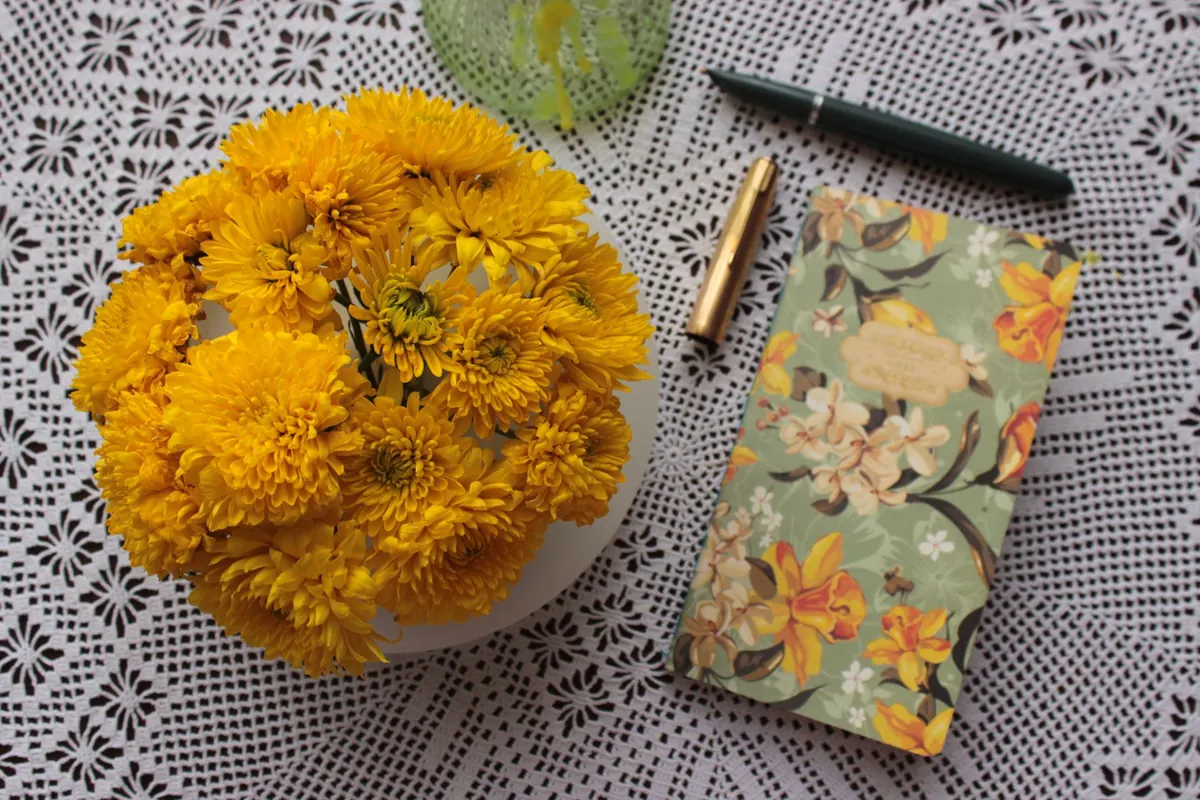
Fine, spindly flowers such as gypsophila tend to disappear on a small screen. Larger, clearer shapes — a single hydrangea head, a few stems of chrysanthemum, dried grasses — hold their form when the image is compressed.
Height and placement
Keep flowers to one side of the frame rather than directly behind your head, where they look as though they are growing out of you. Blooms at roughly chin or shoulder height work well when you are seated. Higher than that and they compete with your face; lower and they vanish behind the desk.
Opaque, matte vases are the safest choice. Highly glossy ceramic and cut glass pick up window reflections and lamp glare, which is distracting on a call where people are trying to read your expression.
Deal with the clutter that shows up behind you
Clutter on a video call is rarely about mess. It is about visual noise. Ten small objects in three colours will look busier than three larger ones, and the eye goes straight to whatever is sharpest and brightest.
- Give anything that lives on the desk but should not be in shot a home: a tray, a lidded box, or a drawer you can sweep things into in ten seconds.
- Choose one thing for people to notice — a plant, a print, a lamp — and let everything else support it quietly.
- Turn labels and logos to the wall. Packaging and branded boxes are readable on camera, and reading is what people will do instead of listening.
- Sort the cables. A single cable tie or a small cable box removes the scruffiest giveaway of a home workspace.
- Check the edges of the frame: doorways, mirrors and windows behind you can show movement or reflect your screen.
A ten-minute reset before a busy week
- Open your camera app or join a test call and look at the whole image, not just your own face.
- Fix the light: face the window, or switch on your lamps and turn off anything overhead.
- Refresh the flowers — change the water, trim the stems at an angle, and strip any leaves sitting below the waterline.
- Move the vase off-centre and check the bloom height against your chin.
- Clear the frame. Everything else goes into the tray.
- Look at the wall above your head and decide what belongs there.
- Take a screenshot and review it on your phone, where small problems are much easier to spot.
Change it with the seasons, not your budget
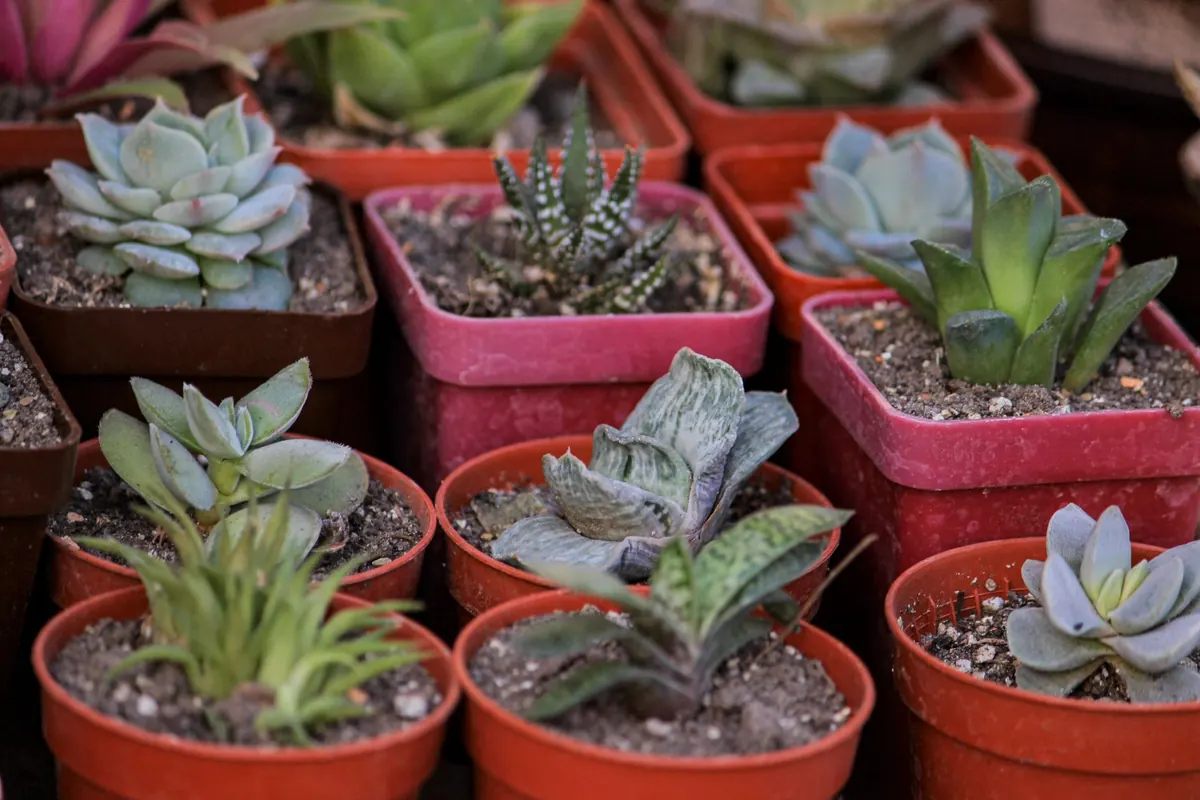
You do not need a florist on speed dial. Daffodils and tulips in spring, a few stems of dried grasses through late summer, bare branches in autumn, then a single amaryllis or a small evergreen through winter. Dried stems last for months without water and look calm on camera.
If you keep living plants, remember that they are visible when they are looking tired, so choose varieties that tolerate the attention you realistically give them. Good faux stems are a reasonable alternative, particularly for high shelves and awkward corners. If you share your desk space with a cat or dog, check before bringing anything new home — some flowers and foliage are harmful to pets, and your vet can advise.
Test it before you need it
The best time to sort your backdrop is not four minutes before an important call. Spend ten minutes now: sit down, switch on the camera, and work through the light and the frame until you are happy with what you see. Then leave it alone. A tidy desk, one lamp doing the right job and a few stems in a plain vase will carry you through a whole season of meetings. When it starts to drift — and it will — the reset list above takes less time than making a cup of tea.
Photo: Anilsharma26 / Pixabay
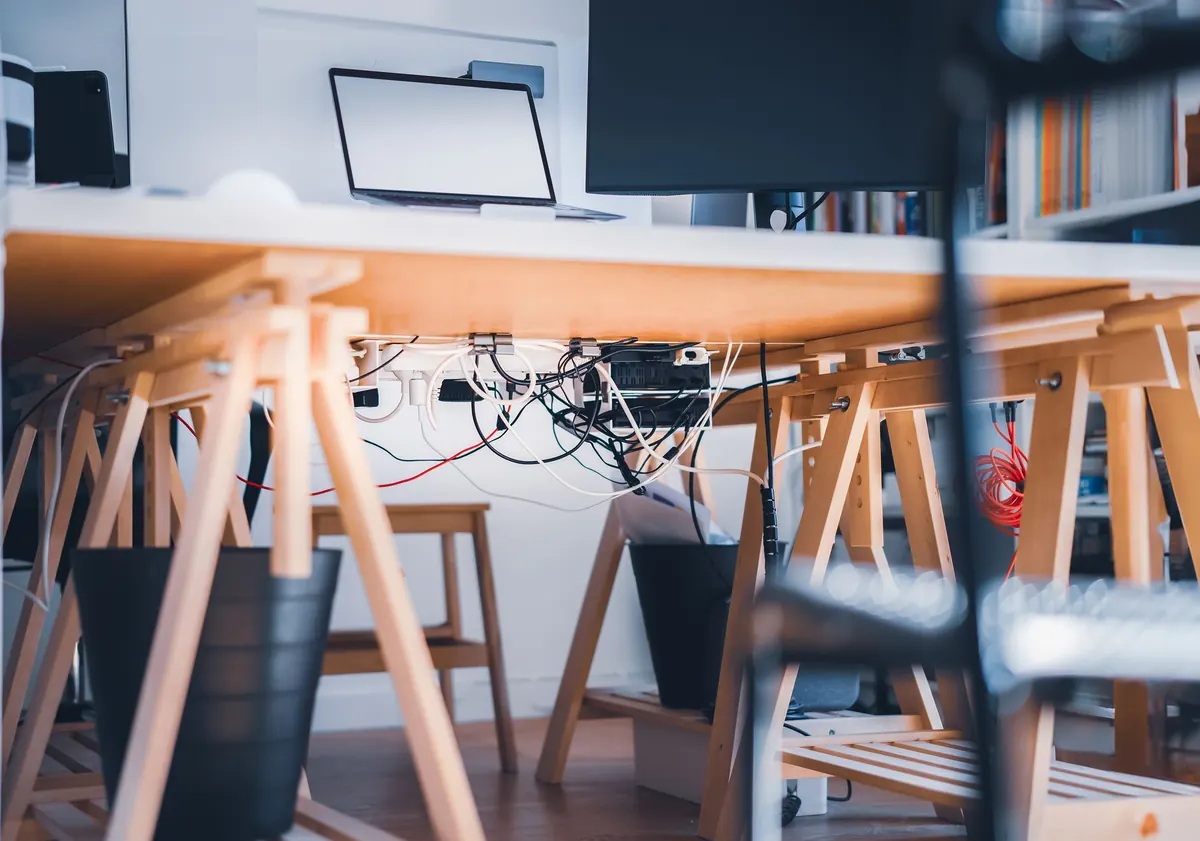
How to Organise Cables and Chargers Without Hiding Your Desk Decor
Cable management that keeps chargers tidy without emptying your desk: simple routes, clips, trays and...
Spring Refresh: 10 Floral Desk Decor Ideas Using British Blooms
Ten seasonal arrangements for a spring desk using British-grown blooms, plus practical advice on choosing,...
About Us